
Whisker PetTag
Giving Every Pet a Digital Identity
PetTag extends the Whisker ecosystem by giving each cat a reliable identity within the system.
Originally designed to help the robot quickly recognize individual cats in multi-pet households, the tag allows activity and behavioral insights to be associated with the correct pet profile.
During an impromptu brainstorming session with the product owner, we began exploring the tag from a broader user perspective. If owners are already placing a tag on their cat’s collar, what additional value could that object provide?
As we riffed on ideas together, one opportunity quickly surfaced: helping reunite lost pets with their owners.
While QR-based recovery systems already exist in other products, incorporating the capability into PetTag created a natural extension of the tag’s value within the Whisker ecosystem.
The feature may only be needed once, but when it is needed, it matters a great deal to the owner.
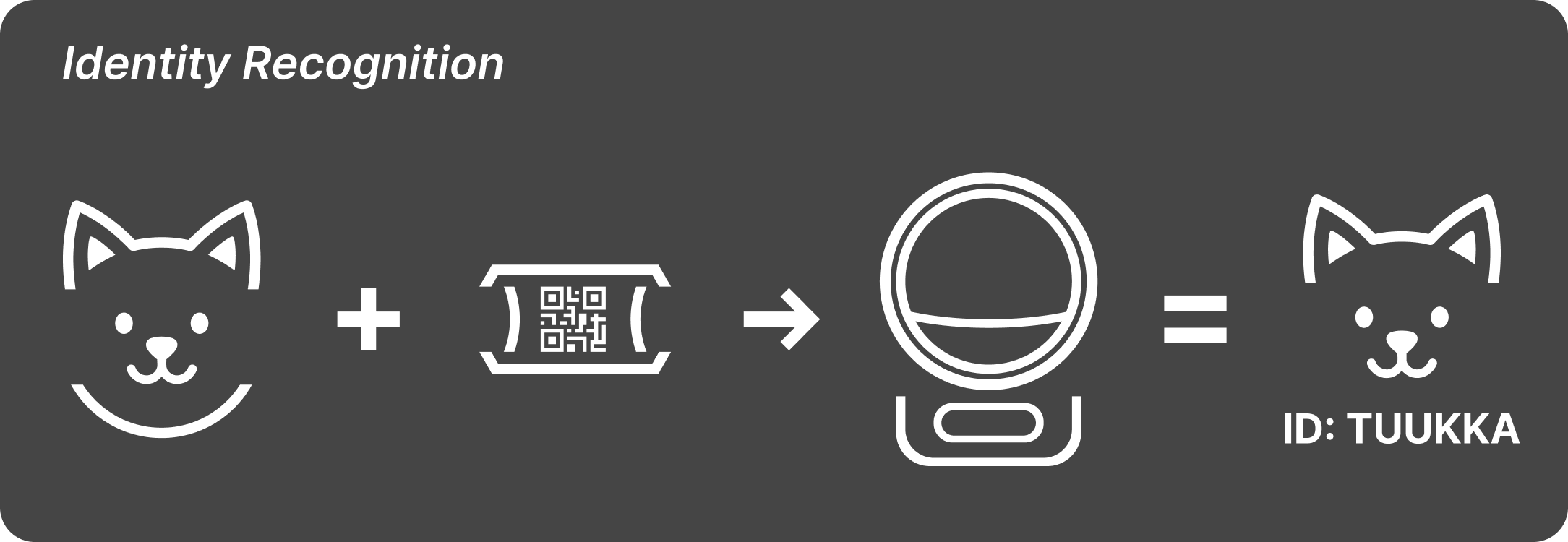
PetTag allows the robot to immediately recognize which cat is interacting with the system.
Extending the Value Proposition
PetTag already played an important role in helping the robot identify cats quickly and reliably. But from a user perspective, attaching a tag to a collar presents an opportunity to deliver additional value beyond system recognition.
By linking the tag to a QR code connected to the pet’s profile, anyone who finds a lost cat can quickly scan the tag and contact the owner.
This transforms the tag from a purely technical component into something more meaningful for the pet owner.
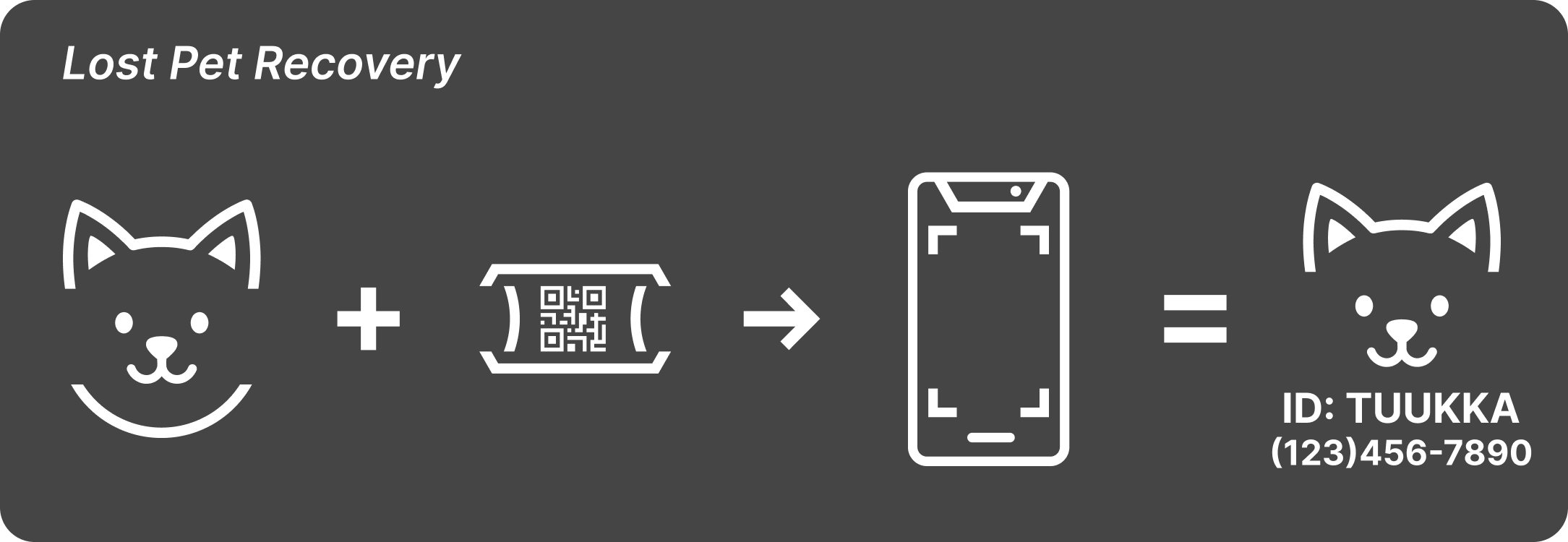
The QR code allows anyone who finds a lost pet to quickly identify the cat and reach the owner.
Designing the Lost-and-Found Interaction
Once the QR recovery concept was introduced, an important design question emerged: where should the QR code live on the tag?
An early proposal placed the QR code on the back of the tag. My instinct was that the information needed to be immediately visible on the front.
If someone encounters a lost pet, especially a nervous or unfamiliar cat, the window to capture information may be very brief. The easier it is to identify the owner, the more likely the pet is reunited quickly.
Rather than relying on opinion, we validated the decision through quick usability testing.
Rapid “Drive-By” Usability Testing
For small design questions like icon clarity, sound perception, or quick interactions, I often encourage teams to run what I informally call drive-by usability tests.
These are fast, opportunistic tests conducted with people passing through common areas. They provide quick directional feedback without the overhead of formal study environments.
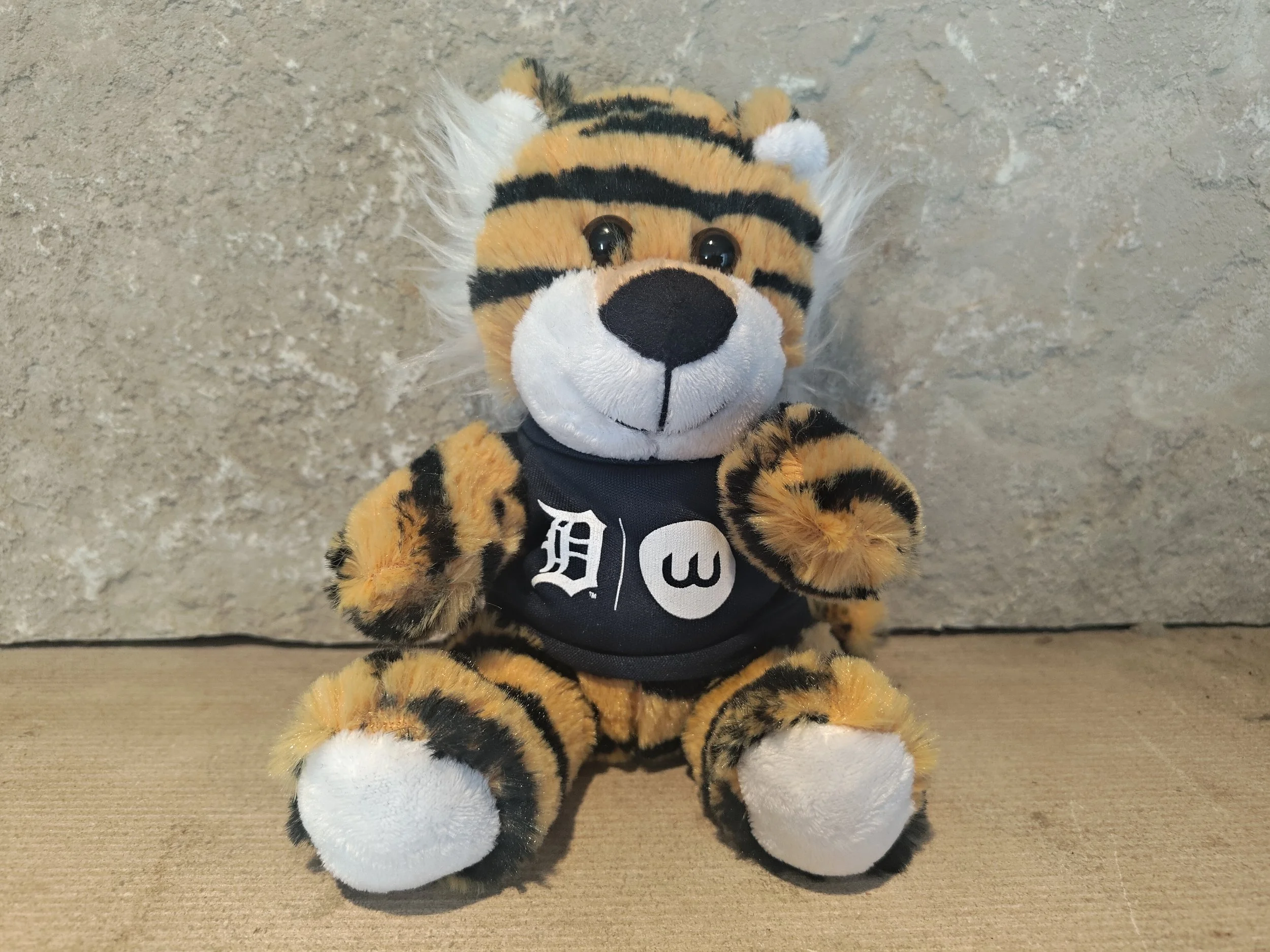
My team organized a quick test in the main hallway of our headquarters using a stuffed animal with a prototype tag attached. As employees entered the building, they were asked a simple question:
“If this were a lost pet, where would you expect to find the contact information?”
Nearly every participant looked immediately at the front of the tag.
Many participants also mentioned something we had not prompted: they would not feel comfortable flipping a tag on a potentially nervous or feral cat. They wanted the information visible immediately.
My team conducted the testing while I observed several sessions. The exercise was quick, informal, and surprisingly fun for everyone involved, while still providing clear feedback that helped guide the final decision.
Outcome
The final design places the QR code prominently on the front of the tag, allowing anyone who finds a lost pet to quickly scan the tag and contact the owner.
By extending the tag’s value beyond robot identification, PetTag became more than a technical component. It became a small but meaningful tool that helps owners care for their pets and increases the usefulness of the Whisker ecosystem.
Disclosure
Selected images, video content, and application screen captures are the property of Whisker and are used here for portfolio purposes only.
All work shown was created during my employment at Whisker and reflects collaborative efforts with cross-functional teams.
Only materials that have been publicly released or are currently available in the public version of the Whisker mobile application are included. No confidential or proprietary information is disclosed.
All trademarks, product names, and brand elements are the property of their respective owners.